Warning: May cause freezes on low-performance devices

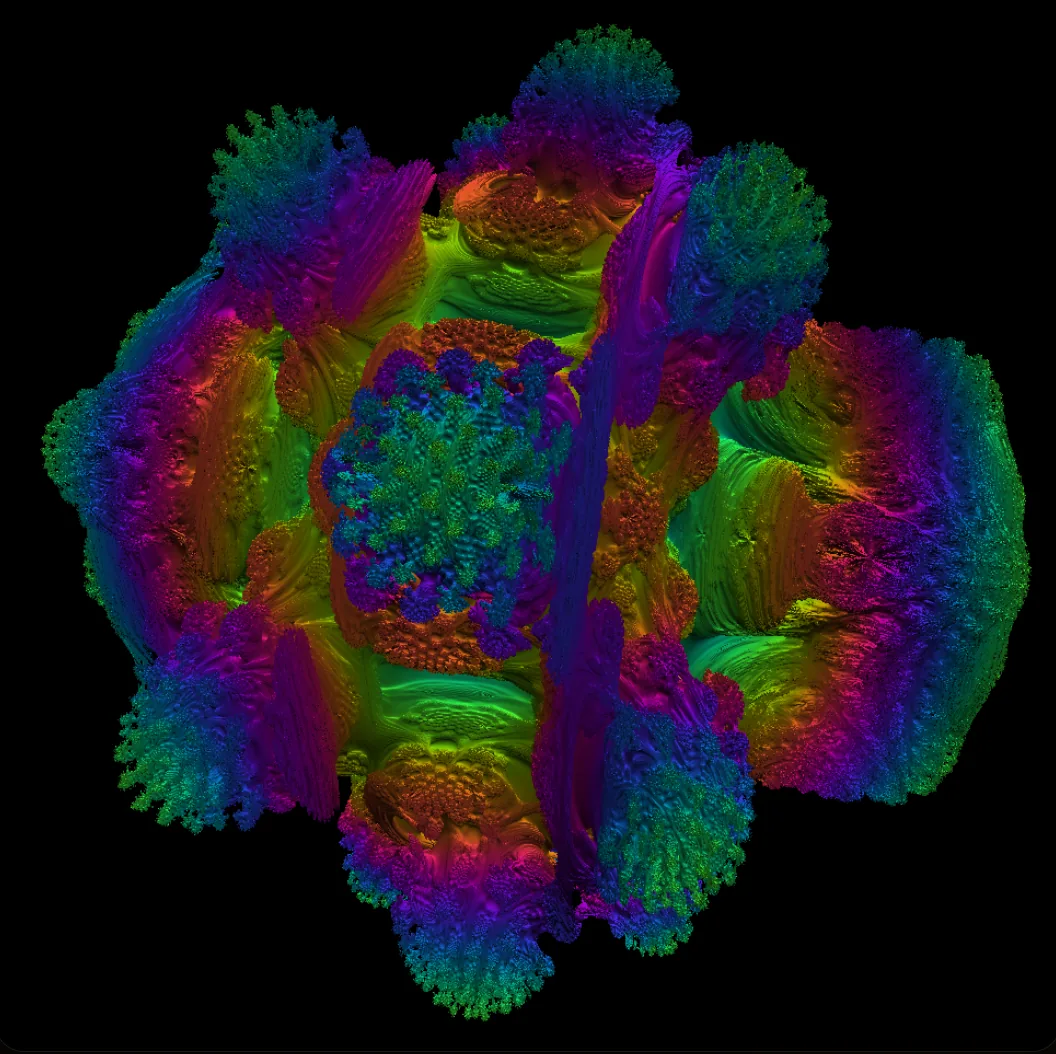
    GPU Benchmark | Volume Shader - Performance Test with 3D Rendering

    Run a comprehensive volume shader test to benchmark your graphics card online. Browser-based WebGL test with real-time 3D volume shader rendering - no download required.

    • ✓WebGL Volume Rendering
    • ✓Real-time FPS Metrics
    • ✓Export & Share Results
    Start GPU TestLearn More

    Compatible with WebGL-enabled browsers • No installation required
    Volume Shader Logo
    New feature · Trusted live rankings32,604report snapshot47,491live valid samplesupdated Jul 5, 2026

    Volume Shader BM now publishes trusted live GPU benchmark results

    MVP 2.5 is live: public result pages, fresher leaderboards, anonymous funnel analytics, stricter sample quality filters, and visible dataset status make every browser GPU result easier to verify, share, and compare.

    Read the launch postView live rankingsRead the 32,604-sample report

    Key Features

    Essential features for volume shader performance testing with 3D visualization.

    3D Volume Rendering
    Real-time 3D volume shader effects that test your graphics card while providing visual feedback.
    Performance Metrics
    Performance data including FPS, frame times, and utilization metrics during volume shader testing.
    WebGL Support
    Compatible with WebGL-enabled browsers and graphics cards that support web-based 3D rendering.
    Cross-platform
    Works on Windows, macOS, and Linux systems with compatible web browsers.
    No Installation
    Run directly in your browser without downloading or installing any software.
    Real-time Display
    See your GPU working in real-time as it renders the 3D volume effects.

    Explore GPU technologies and documentation from industry leaders

    NVIDIA CUDAAMD GPUOpenIntel Graphics

    How to Test Your GPU

    Get started with GPU performance testing in three simple steps.

    Step 1
    Start the Test
    Click the "Start GPU Test" button to begin the 3D volume rendering benchmark.
    Step 2
    Watch the Visualization
    Experience real-time 3D volume shader effects while your GPU is being tested.
    Step 3
    View Results
    Get performance metrics including FPS, frame times, and GPU utilization data.

    Learn More About GPU Technology

    WebGL DocumentationKhronos GroupSustained GPU TestingThree.js Docs

    Frequently Asked Questions

    Common questions about Volume Shader GPU testing.

    Test Your GPU Performance

    Try Volume Shader BM to benchmark your graphics card with WebGL volume rendering.

    Start GPU TestHow to UseDevice Results
    Volume Shader LogoVolume Shader

    Free browser-based GPU benchmark tool with WebGL 3D volume rendering

    Product

    • GPU Test
    • How to Use
    • Device Results

    Resources

    • Features
    • How it Works
    • FAQ
    • WebGL Docs
    • WebGL Tutorials

    Quick Links

    • Home
    • Privacy Policy
    • GitHub
    • Professional Volume Benchmark
    • WebGL Reddit
    • 3D Graphics Forum
    © 2025 Volume Shader BM. All rights reserved.
    GPU Performance Test • WebGL Compatible • Browser-based Benchmarking